How to accept crypto tips on YouTube
Updated August 6, 2026
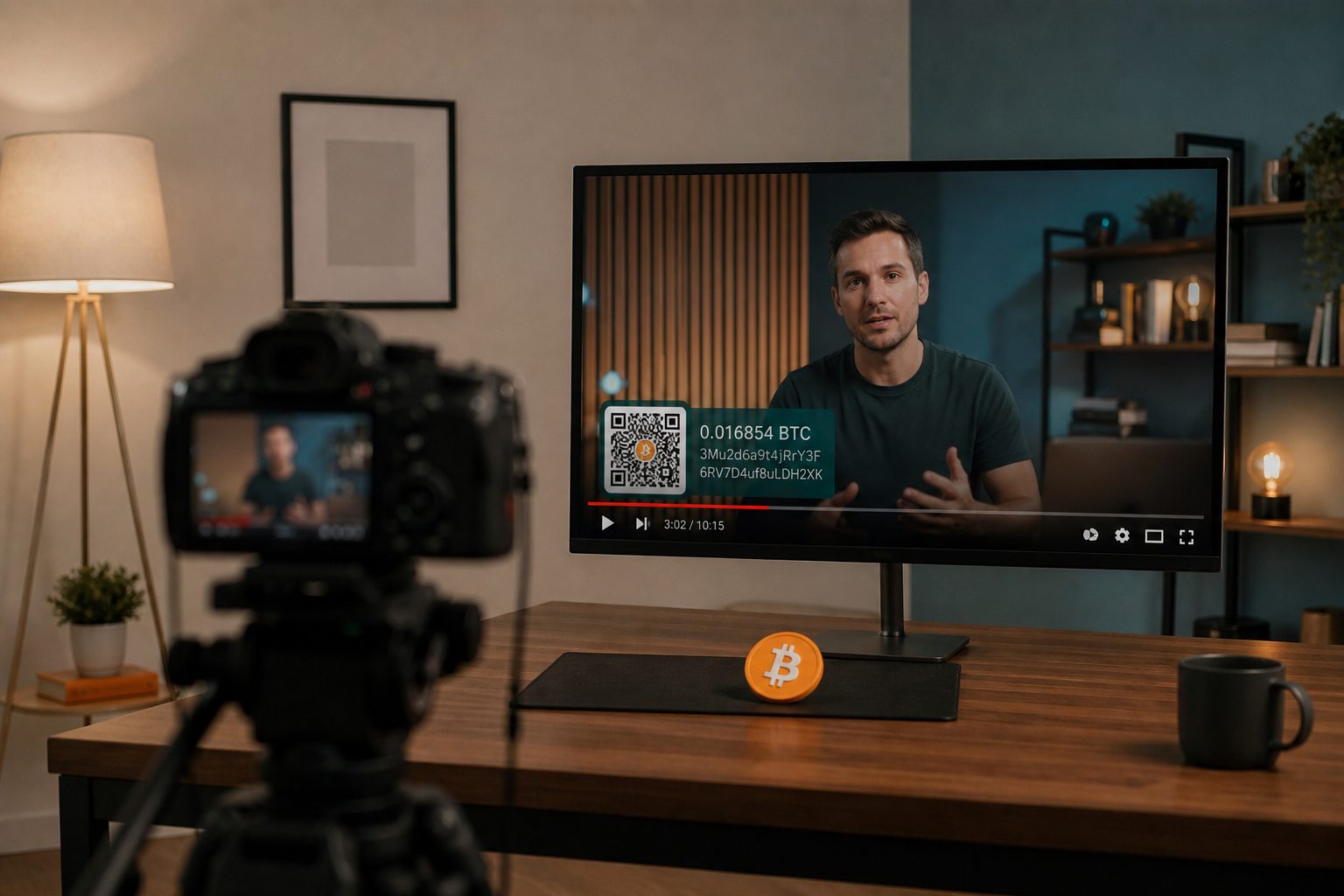
Zero. That's how many cryptocurrencies YouTube's Super Thanks button accepts in 2026, years after it launched and despite recurring chatter online about a crypto payout test that YouTube has never confirmed. If a viewer wants to tip you in USDC, USDT, or anything else on-chain, the platform has no button for it, so the work has to happen around Super Thanks, not inside it.
why Super Thanks can't do this
Super Thanks lets a viewer buy a highlighted comment or animation for a few dollars, and the money lands in the same linked AdSense account as your ad revenue. That's tidy for taxes and for YouTube's cut, but it also fixes the payment rail: card or Google Pay, in local currency, with no wallet address anywhere in the flow. There's been persistent speculation that YouTube is testing crypto payouts, with some threads pointing to XRP, but nothing official has shipped as of this writing. Treat Super Thanks as what it actually is right now, a small USD-denominated tip tool that sits next to crypto rather than a channel for it.
put the address where people are already looking
With no in-platform crypto option, the job becomes making your address, or better, a link that generates one, easy to find at the moments a viewer is most likely to tip: right after watching, while reading comments, and at the very end of the video. A QR code in the video description works well because mobile viewers can screenshot it straight from the YouTube app without leaving your video. Generate one with a tool like the tip jar generator, which is non-custodial: you paste in your own address and it builds the QR code and payment link on the spot, so nothing you receive ever passes through anyone else's custody.
use the community tab as a standing reminder
YouTube dropped its old 500-subscriber gate on the Community tab back in 2023. Any channel with Advanced features enabled and a clean standing can post there now, regardless of size. That makes it a reasonable spot for a recurring, low-key post: an image of your QR code with a short caption, pinned so it's the first thing visitors see. Pin the top comment on your most-watched videos too. A pinned comment with your tip link gets far more visibility than a line buried in the description, especially on mobile, where descriptions load collapsed by default.
spend one of your four end screen slots on it
YouTube caps end screens at four elements on a standard 16:9 video, placed in the last 5 to 20 seconds of a video that has to run at least 25 seconds to qualify at all. Most creators spend all four slots on subscribe prompts and related videos, which helps growth but leaves nothing for monetization. If you're in the YouTube Partner Program with advanced features turned on, one of those four can be an external link. Point it at a bio-link page rather than a raw wallet address, both because an address printed on screen looks suspicious out of context and because a bio-link page lets you swap wallets or networks later without re-editing every video you've ever published.
pick a network before you publish the code
Decide the network in advance, because a QR code pointed at the wrong chain either fails silently or sends someone's tip somewhere unrecoverable. For tipping in 2026, stablecoins on low-fee chains are the practical default:
| Network | Typical fee for a USDC transfer | Speed | Notes |
|---|---|---|---|
| Polygon | Well under a cent, often around $0.001 or less | A few seconds | Broad wallet support, common default for tips |
| Solana | Roughly $0.0003 to $0.005 | Under a second | Cheapest and fastest, needs a Solana-compatible wallet |
| Ethereum mainnet | Often several dollars | Minutes | Avoid for small tips, fees can outweigh the gift itself |
| Bitcoin Lightning | Fractions of a cent | A few seconds | Fine if your audience already runs a Lightning wallet |
Pick one network, maybe two at most, and say so plainly next to the code, something like "USDC on Polygon." Don't make a viewer guess, and don't list every network a generator happens to support just because you can.
keep the money out of anyone else's custody
The point of doing this yourself instead of waiting on a platform is that nothing sits in a third party's account. That's also the risk if the setup is wrong: a code linking to an exchange deposit address, an expired invoice, or a wallet you no longer control loses a tip for good. Test every link and scan every code yourself on the exact kind of device your audience uses before it goes live. It's a five-minute check, and it's the same instinct behind not custodying anything, which comes up again for site owners deciding whether to charge AI crawlers directly instead of routing that money through a third party too.
Super Thanks isn't the only place native crypto support is moving slower than creators would like. Meta has already started paying some creators directly in USDC through Stripe, and reading through how Meta's USDC payouts actually work is a useful next step for gauging where platform-native stablecoin payments are headed, since whatever lands there tends to reach YouTube's competitors before it reaches YouTube itself.
Quick answers
- How do I accept crypto tips on YouTube?
- Use a Super Thanks alternative you control: a labelled QR in the video, a pinned comment, or the channel links.
- Will YouTube pay me in USDC?
- YouTube Super Thanks is not a self-custody USDC tip. For that you add your own jar.
- Where do I put the QR?
- End screen, description, or a pinned comment, with the network written in words.