Adding a crypto tip jar to Linktree or a bio page
Updated August 6, 2026
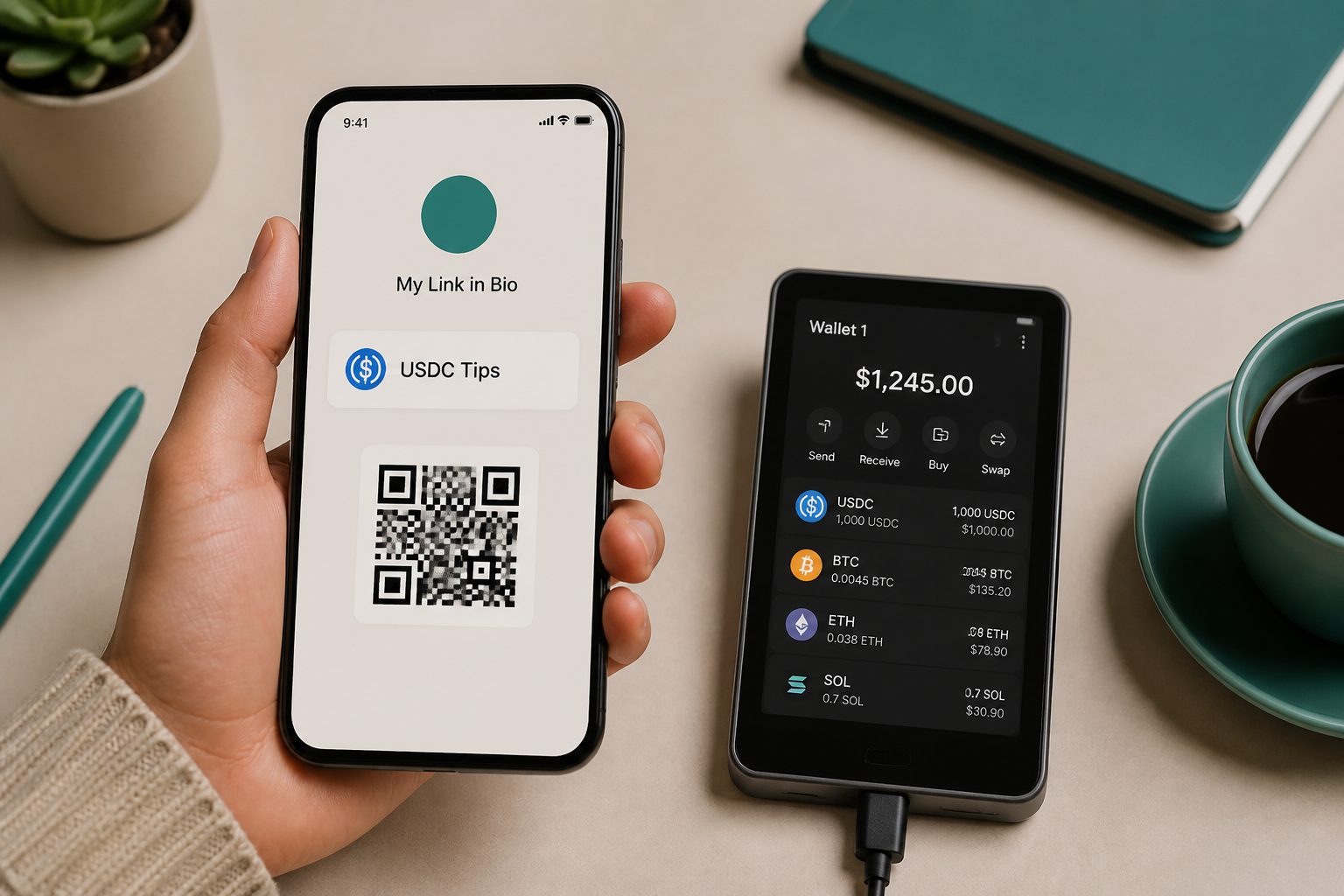
Generate your wallet QR code before you open Linktree, Beacons, or Stan Store, not after. Do it in that order because none of these bio tools know what blockchain your address lives on, and neither does the follower tapping it on their phone. The address is the easy bit. The network label is the whole job.
none of these tools have a real crypto button
Linktree, Beacons, and Stan Store were all built for social links, product pages, and email capture. None of them ship a native "accept USDC" block, so what you're actually doing when you add a tip jar is repurposing a generic feature, a custom link, an image upload, or both, to carry a payment address it was never designed to hold. That's fine. It works well. But it means the burden of clarity sits entirely on you, not on the platform's UI.
the three-step version that works on any of them
The mechanics are the same regardless of which bio tool you use.
- Generate your address and a matching QR code first, somewhere you control. The tip jar generator does this without custody: you paste in an address you already own, it produces a QR and a payment link, and nothing ever routes through a third party's wallet.
- Upload the QR image as an image block (Beacons and Stan Store both support a plain image upload; on Stan Store it's the 400x400 thumbnail field most creators use for product art). On Linktree, add it as a custom link with the QR as the thumbnail and the payment link as the URL.
- Title the block with the network name, not just "tip me." A follower scanning a code needs to know before they scan, not after.
don't use Linktree's built-in QR generator for this
Linktree does have a free QR feature, reachable from the Share button on any page, and it's genuinely handy for print or merch. But it encodes a link to your Linktree page, not your wallet address. If you generate your crypto QR there, followers scan it, land back on your bio page, and have to find the tip link a second time. Keep the two QR codes separate: one for the page, one for the wallet, and make sure the one on your page is the wallet code, uploaded as its own image.
label every network you accept or don't bother
This is the step people skip, and it's the one that costs followers real money. Sending USDC to a valid address on the wrong chain isn't a minor hiccup, in a lot of cases it's unrecoverable, and support tickets asking how to reverse a wrong-network transfer are common precisely because the mistake is common. A bare address with no context invites exactly that. Spell out the network next to every code.
| What you accept | Label it as | Common follower mistake if unlabeled |
|---|---|---|
| USDC on Solana | "USDC, Solana network only" | Sent via Ethereum, funds don't appear |
| USDC on Polygon | "USDC, Polygon (MATIC) network" | Sent via Ethereum mainnet, higher fee, wrong chain |
| ETH on Ethereum mainnet | "ETH, Ethereum mainnet" | Sent from an exchange that defaults to a layer-2 |
| BTC (on-chain) | "BTC, on-chain, not Lightning" | Lightning payment fails against an on-chain address |
If you only accept one network, say so explicitly rather than leaving it implied. "USDC, Solana only, please don't send other tokens" is one line and it prevents most of the confusion.
where this fits next to the bigger payout shift
Stablecoin tipping on a bio page is a small, personal version of something platforms are now doing at scale. Meta has started paying some creators directly in USDC through Stripe's infrastructure on Polygon and Solana, a rollout that began in Colombia and the Philippines before expanding further. Your bio-page tip jar runs on the same rails, just without a platform in between, which is the entire point of non-custodial: nobody holds your funds but you, and nobody can freeze a wallet address the way a payout account can be frozen. If you also publish written content on your own site rather than just a bio page, a related shift worth knowing about is how site owners are starting to charge AI crawlers for access, a separate but related piece of the same "get paid directly, skip the middleman" trend.
upload the QR as a custom link block
Open the tip jar generator now, paste in the address for whichever single network you're most comfortable receiving on, download the QR it produces, and upload that image as a custom link block in your bio tool with the network name in the title before you touch anything else on the page.
Quick answers
- How do I add a crypto tip jar to Linktree?
- Generate a QR and payment link, upload the QR as a custom block, and put the network in the title.
- Should I list every network?
- No. One network you can actually receive on is safer than five doors people will mix up.
- Does Linktree have a native crypto button?
- No. You add the graphic and the label yourself.