WordPress does not need a wallet plugin
Updated September 2026
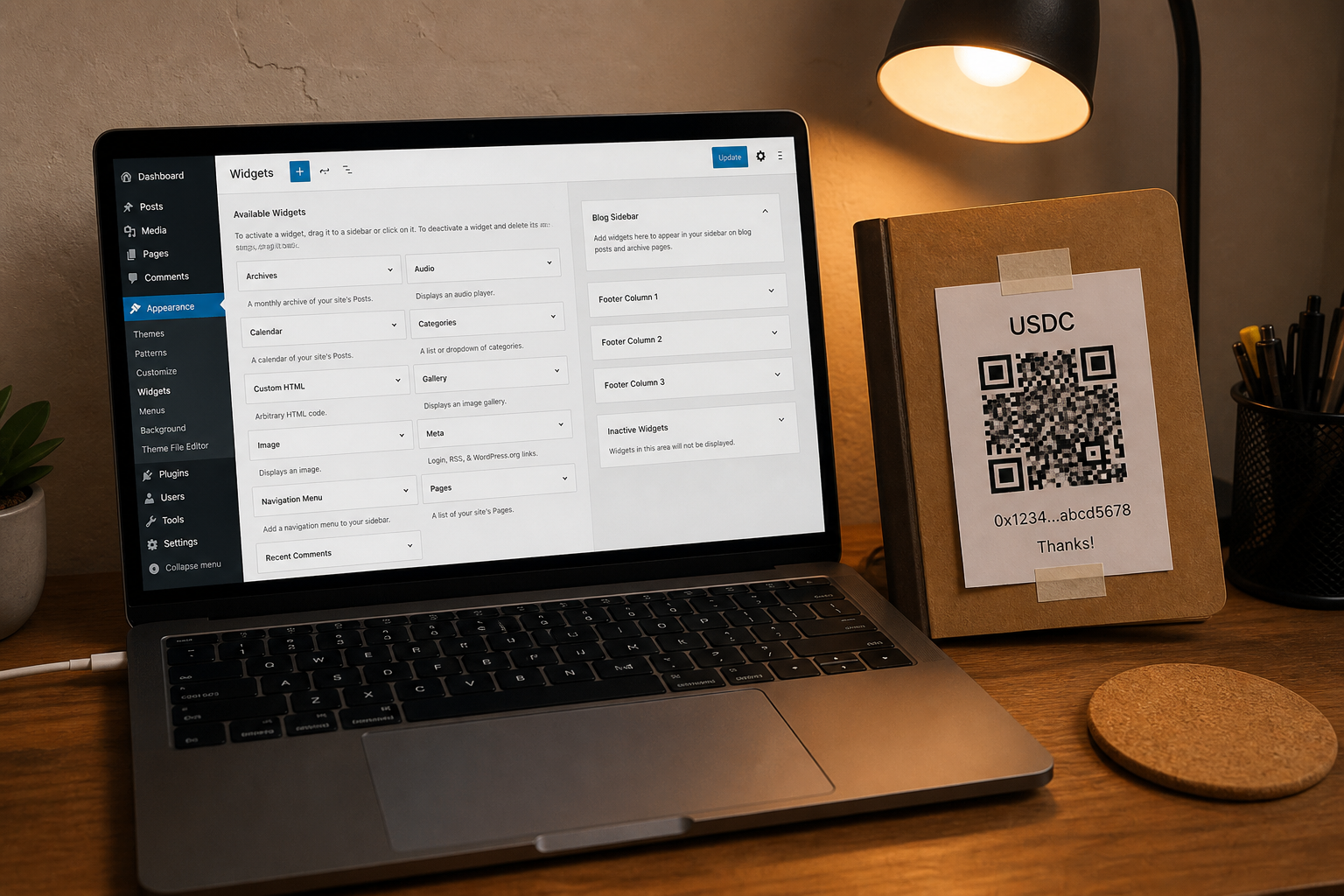
Most WordPress “Web3” plugins want custody, a token, or both. A tip jar is a picture of an address you already own. Treat it like a PayPal button made of pixels.
Skip the wallet plugin
Open the tip jar generator first. Paste an address from a wallet you already control. Download the QR. If a plugin, a theme upsell, or a “web3 connect” banner asks for a seed phrase or for you to “import” the jar, close it. That is the scam pattern.
One network
Pick the asset and chain you can actually receive on. One door is safer than five. Title the block “USDC on Solana only” or “Bitcoin on-chain, not Lightning” — the same labelling rule as a bio page. A bare address invites a wrong-chain send that support cannot reverse.
Where the block goes
In the block editor, add an Image block or a Custom HTML block. Upload the QR. Put the payment link on the image. A text widget in a classic theme works the same way. Do not paste the address into a page builder that later minifies it onto two lines; keep a copy in your password manager. If you already have a site-wide tip page, link it from the menu rather than repeating the QR in every post.
Test it
Open the published page on a phone that is not yours. Scan the QR. Confirm the network the wallet proposes matches the heading. Then read how to confirm a tip arrived before you celebrate the first one in a screenshot.
Quick answers
- Do I need a WordPress crypto plugin?
- No. An image of a QR you generated yourself is enough. Plugins that ask for a seed phrase are a scam.
- Where does the address live?
- In your wallet. This site and your WordPress install should never hold the keys.
- Should I list every network?
- No. One labelled network beats five unlabelled doors.